It is 6 p.m. in the middle of busy season. A staff accountant has a long spreadsheet open and a deadline that will not move. A free AI tool is one click away, and it could summarize the whole file in seconds.
So they paste it in. No one meant any harm. But a file full of client numbers just left the firm, and nobody decided that it should.
The shortcut that takes one click
Most firms have a policy for email and for shared drives. Far fewer have a clear answer for AI. Yet people are already using it, often on their own and often with a public tool.
That is not a reason to panic. People use these tools because they work, and because the deadline is real. It is a reason to ask a few plain questions before the next paste.
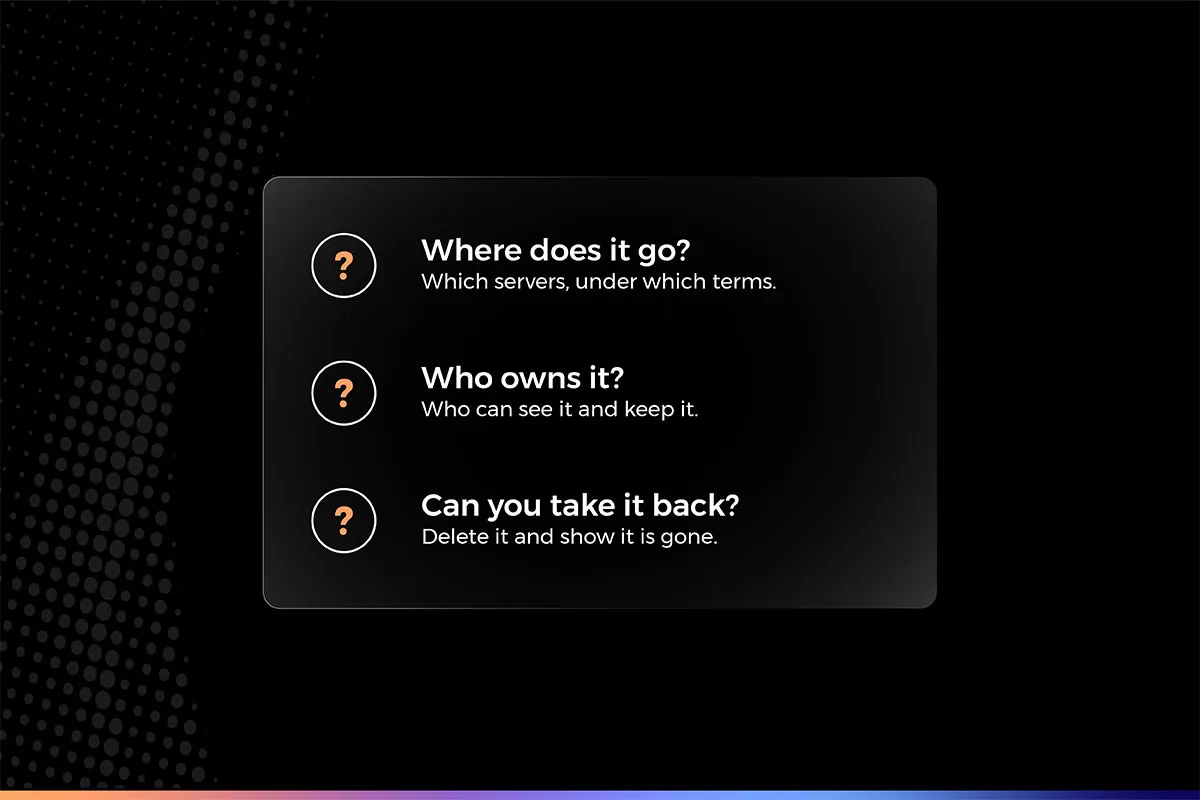
Three questions to ask before client data goes in
1. Where does it go?
When you type or paste something into a public AI tool, it travels to someone else’s servers. What happens next depends on the tool and its settings. It may be stored. It may be reviewed. In some cases it may be used to improve the service. The answer sits in the terms, and most people never read them.
2. Who owns it?
Your client trusted you with their information. If it sits inside a tool you do not control, it is fair to ask whose it is now, and who can see it. The answer should never be unclear.
3. Can you take it back?
If a client asks you to delete something, can you? Can you show them it is gone? If the data is spread across tools your firm does not manage, that gets hard fast. You cannot take back what you cannot find.
“The safest choice should also be the easiest one.”
A simple check for this week
You do not need a long project to start. Four steps are enough.
- Ask your team which AI tools they use today, including the free ones.
- Read the data terms of each tool. Look for storage, review and training.
- Decide what may go in and what may not, and write it down in one page.
- Give people a safer way to get the same help, so the rule is easy to follow.
The last step matters most. A rule nobody can follow at 6 p.m. becomes a rule nobody follows.
The goal is not to say no to AI
Banning AI rarely works. People still have deadlines, and the tools are easy to reach. What works better is a safer way to do the same thing, so the right choice is also the easy one.
That means AI that works inside the firm’s own environment, where the firm decides what goes in, who can see it, and how long it stays. Your data stays yours, and the people doing the work do not have to think about it.
How we think about it at Archivista
This is the idea behind Vista, the Private AI from Archivista. It is designed to keep a firm’s information inside the firm’s own environment, under the firm’s control, instead of sending it out to a public tool. The staff accountant still gets the summary. The data does not go anywhere it should not.